Adding cards
Cards explain how you earn. Add the products you actually carry so Wallet can show multipliers, fees, and benefits beside the programs those cards feed.
Add a card
Section titled “Add a card”- Open Wallet
- Click Add card
- Search for your product
- Optionally set a nickname, open date, renewal date, or fee override
- If you just earned a welcome bonus, enter the points and choose whether to add them to your program balance now
- Save
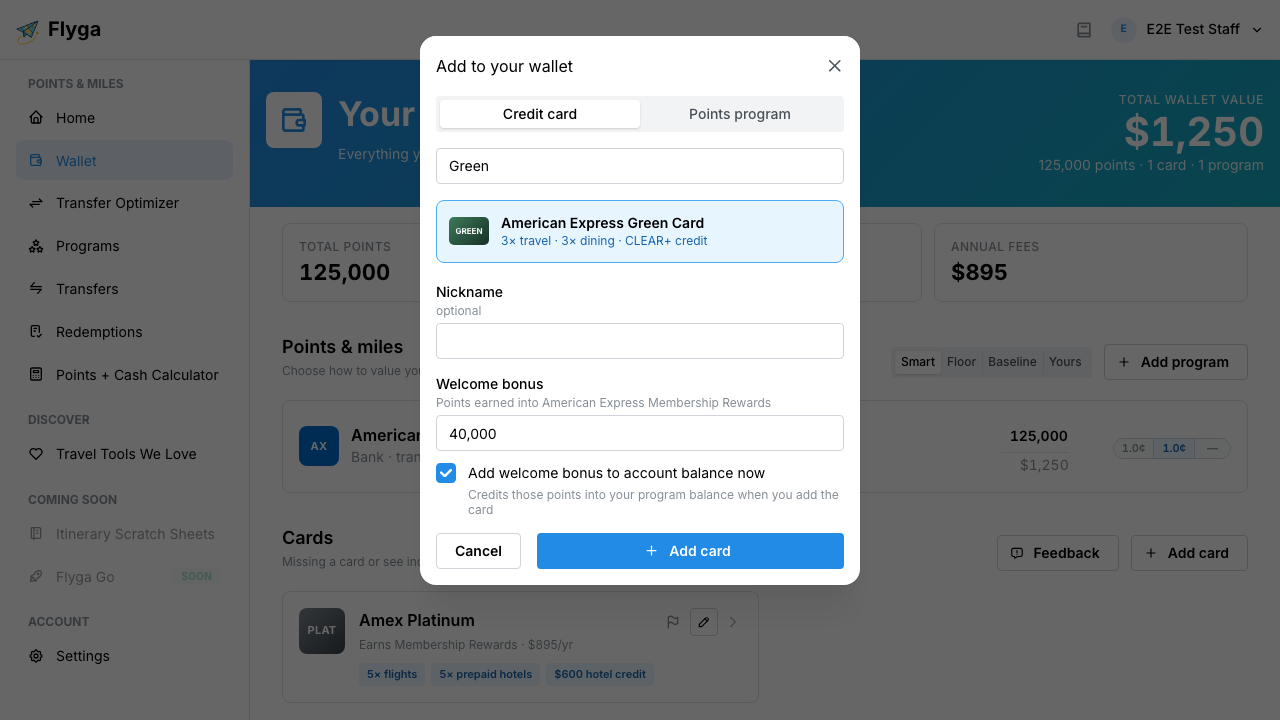
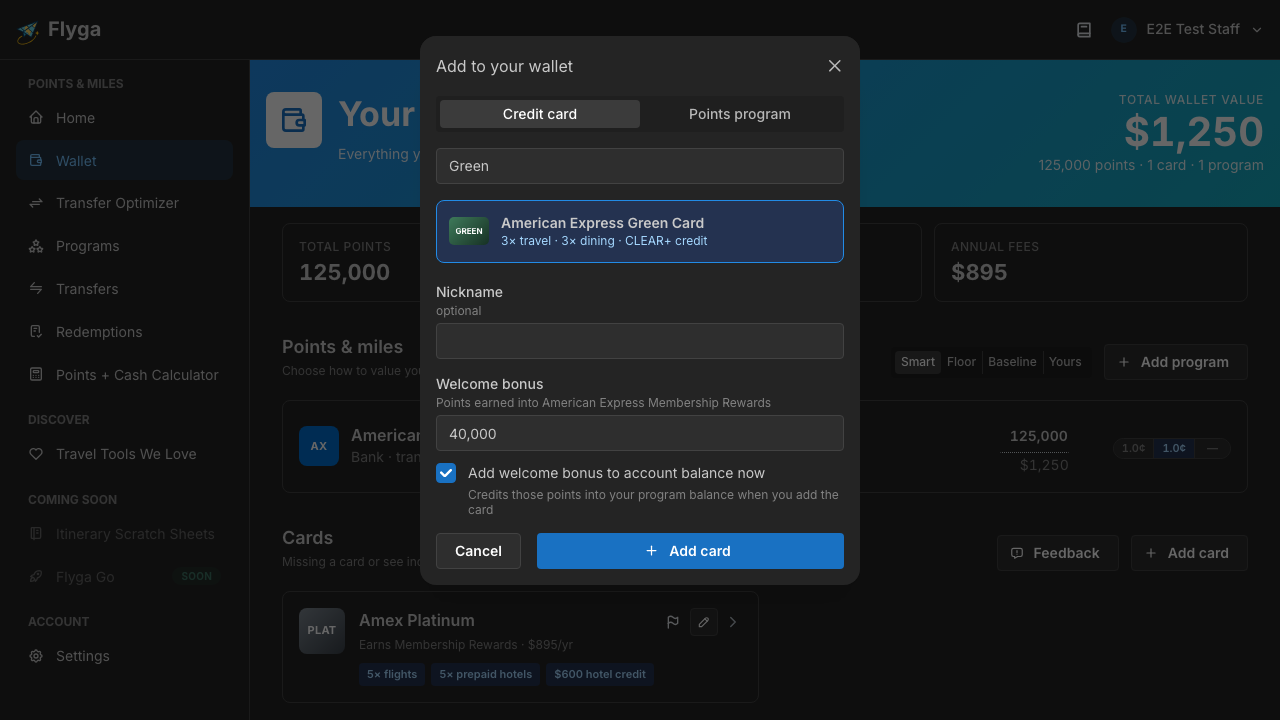
If you already track the program that card earns into, new welcome-bonus points (when you opt in) land on that existing balance. Wallet still shows one row per program.
See multipliers and benefits
Section titled “See multipliers and benefits”Expand a card’s Details to review:
- Destination program (where spend earns)
- Earning rates by category
- Attached benefits (lounge access, credits, and similar)
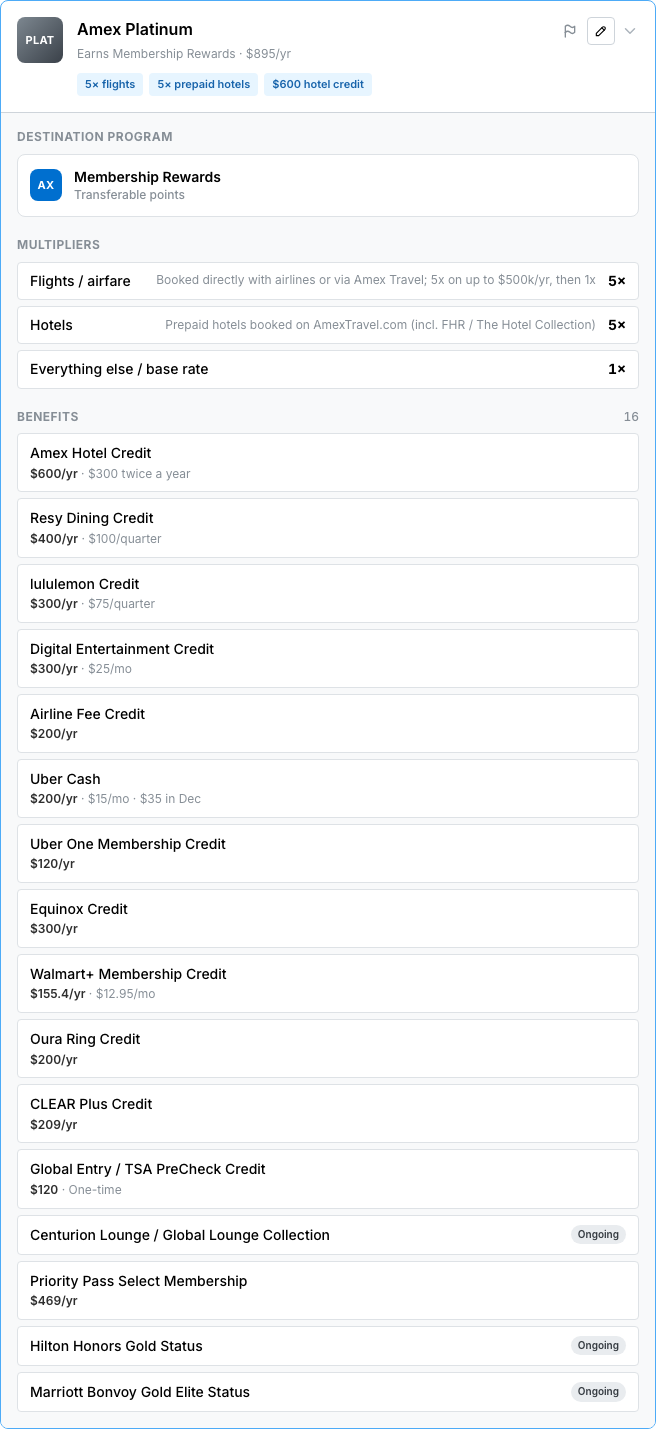
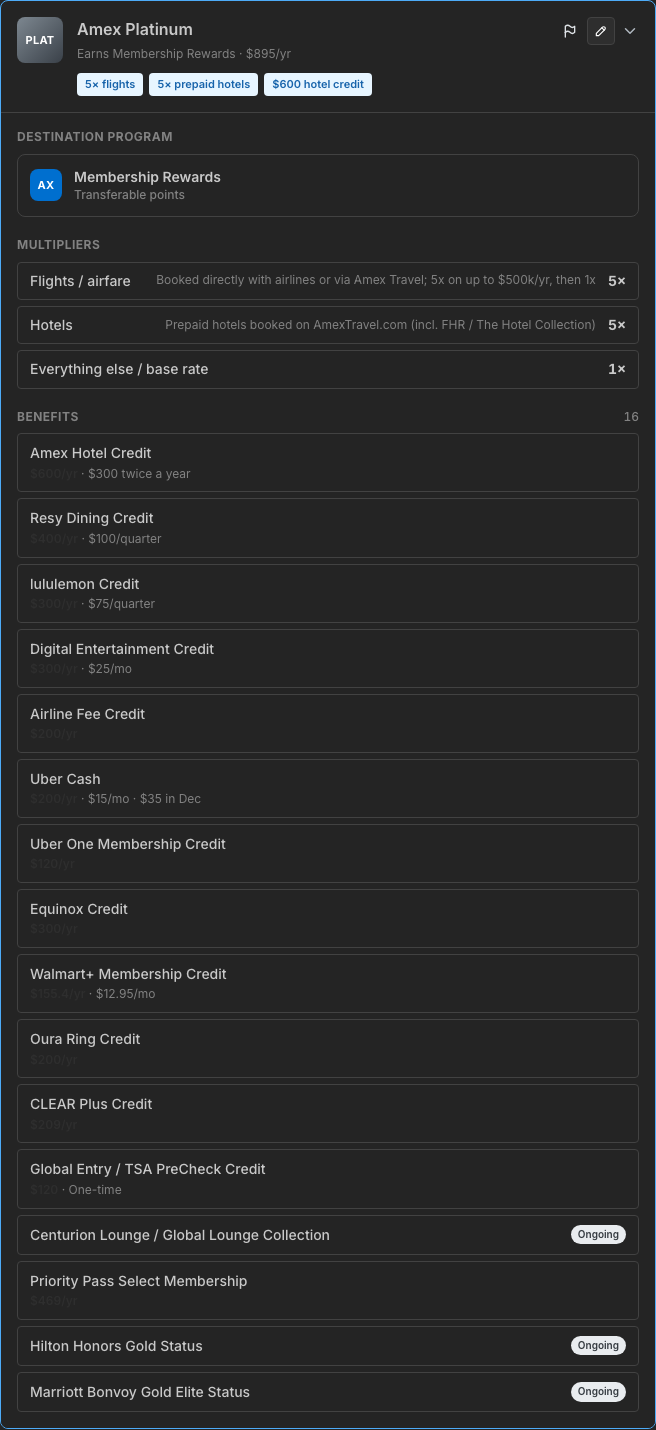
After you add cards, open Benefits to check off statement credits, enroll in required perks, and see whether each card’s credits cover its annual fee.
Cards and annual fees
Section titled “Cards and annual fees”Wallet rolls card annual fees into the Annual fees stat so you can weigh what you pay to keep the portfolio against the value of the points you’re holding.