Benefits overview
Benefits turns every perk attached to your Wallet cards into something you can act on: claim a credit, enroll, set a lounge value, or decide you won’t use it this year.
Open Benefits
Section titled “Open Benefits”Choose Benefits in the sidebar (under Wallet), or go to /wallet/benefits.
What you’ll see
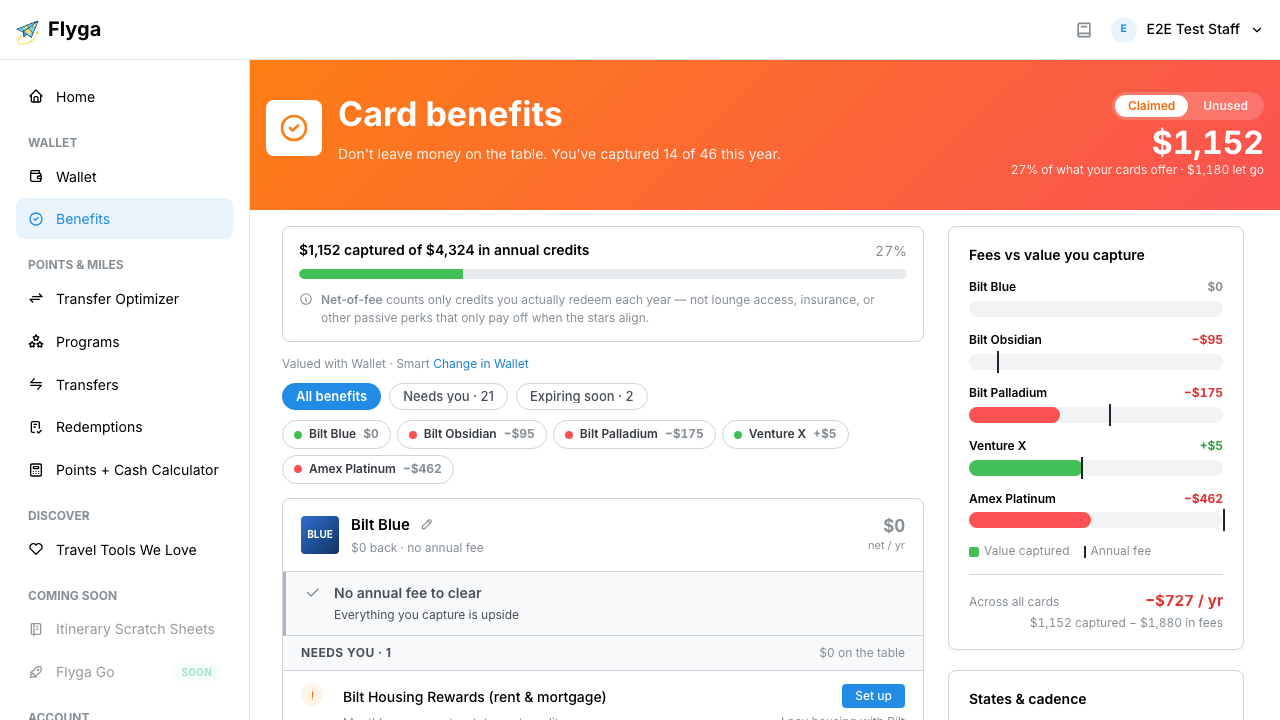
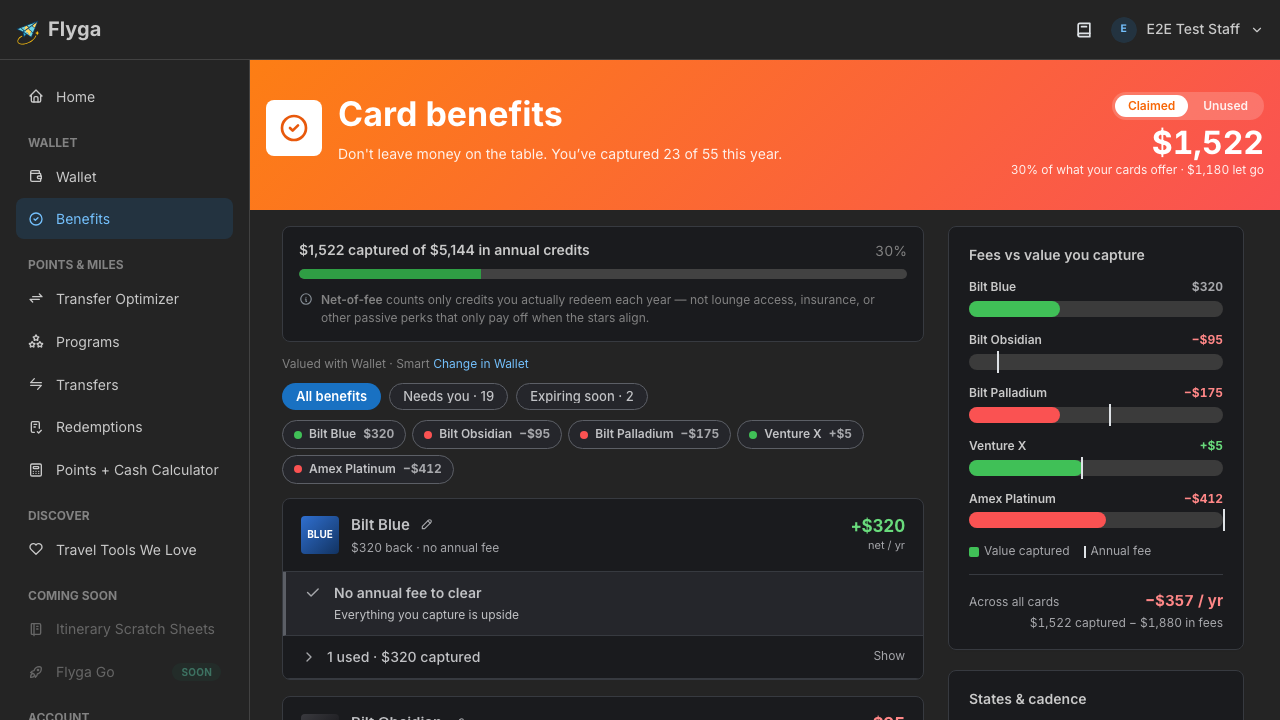
Section titled “What you’ll see”- Hero total — toggle between Claimed (value you’ve captured) and Unused (chaseable dollars still on the table)
- Filters — All benefits, Needs you, and Expiring soon (windows with about 45 days or less left)
- Per-card scorecards — captured credits minus that card’s annual fee, so you can see ahead or behind at a glance
- Benefit rows — grouped under each card into the sections below
Sections under each card
Section titled “Sections under each card”| Section | What’s in it |
|---|---|
| Needs you | Open credits, enrollments, setups, and unvalued assignables (Accept suggested / Punch) |
| Active | Always-count monthlies plus counting assignables you’re managing (Punch, Change punches / Change value) |
| Upcoming | Future windows (for example Q4 while you’re still in Q3) — not chaseable yet |
| Passive | Unrated lounges/status without a market suggestion (use Set a value) |
| Used | Spend credits you’ve fully captured, plus points grants and tracked earn-bonus months |
| Hidden | Benefits you removed from tracking (they leave the totals) |
| Written off | Benefits you marked Won’t claim — the forfeited amount still counts as lost |
Filters at a glance
Section titled “Filters at a glance”- All benefits — every section for every card
- Needs you — only open, actionable rows (and series with an open incomplete window)
- Expiring soon — urgent open windows; disabled when nothing is urgent
Next: understand how Flyga types each benefit, then track spend credits.