Putting It All Together
This guide walks through a complete real-world scenario from start to finish — using the Transfer Optimizer to evaluate a transfer option, making the transfer, and logging the redemption to see how your prediction held up.
The Scenario
Section titled “The Scenario”You’ve found business class award availability on a flight from LAX to Paris CDG. The cash ticket costs $2,800, and the award booking requires 50,000 Flying Blue miles plus $85 in taxes.
You want to know: Is this a good deal? And what’s the best way to get the miles?
Step 1: Find the Best Transfer Option
Section titled “Step 1: Find the Best Transfer Option”Open the Transfer Optimizer and search for Flying Blue as your destination program. Enter 50,000 as the points needed.
The optimizer shows all available transfer options — direct transfers and multi-hop transfers through intermediate programs.
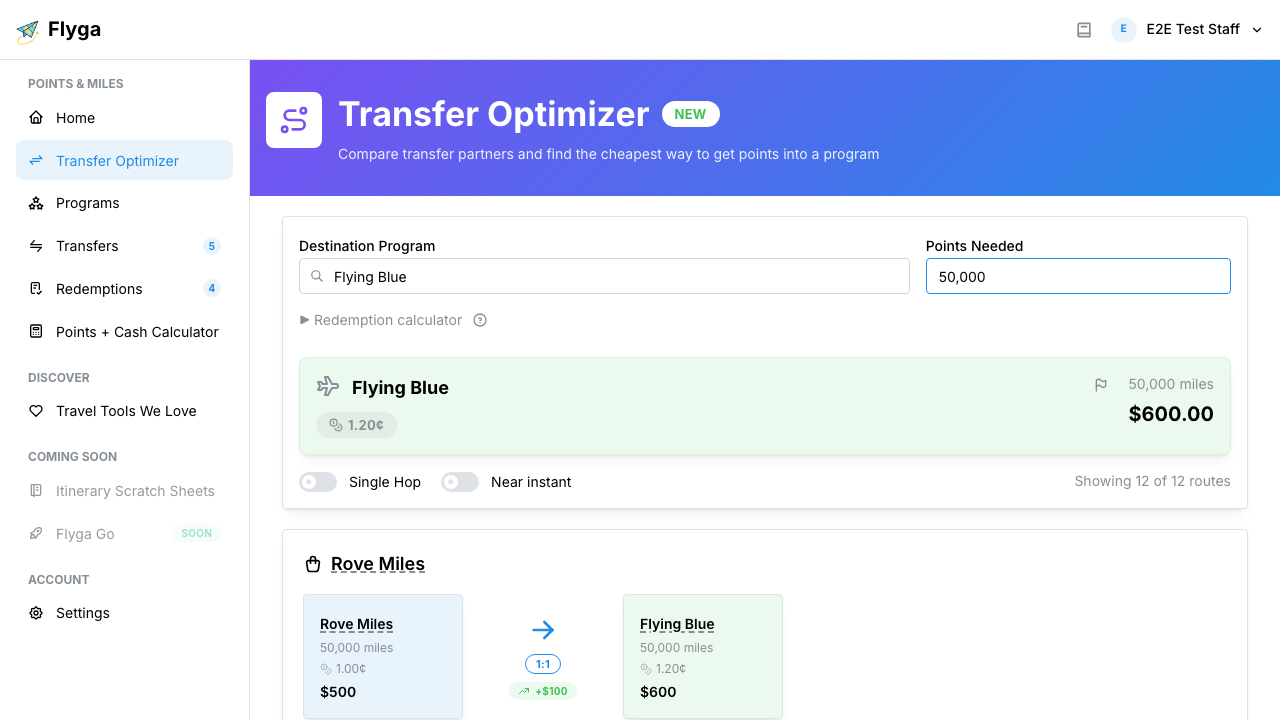
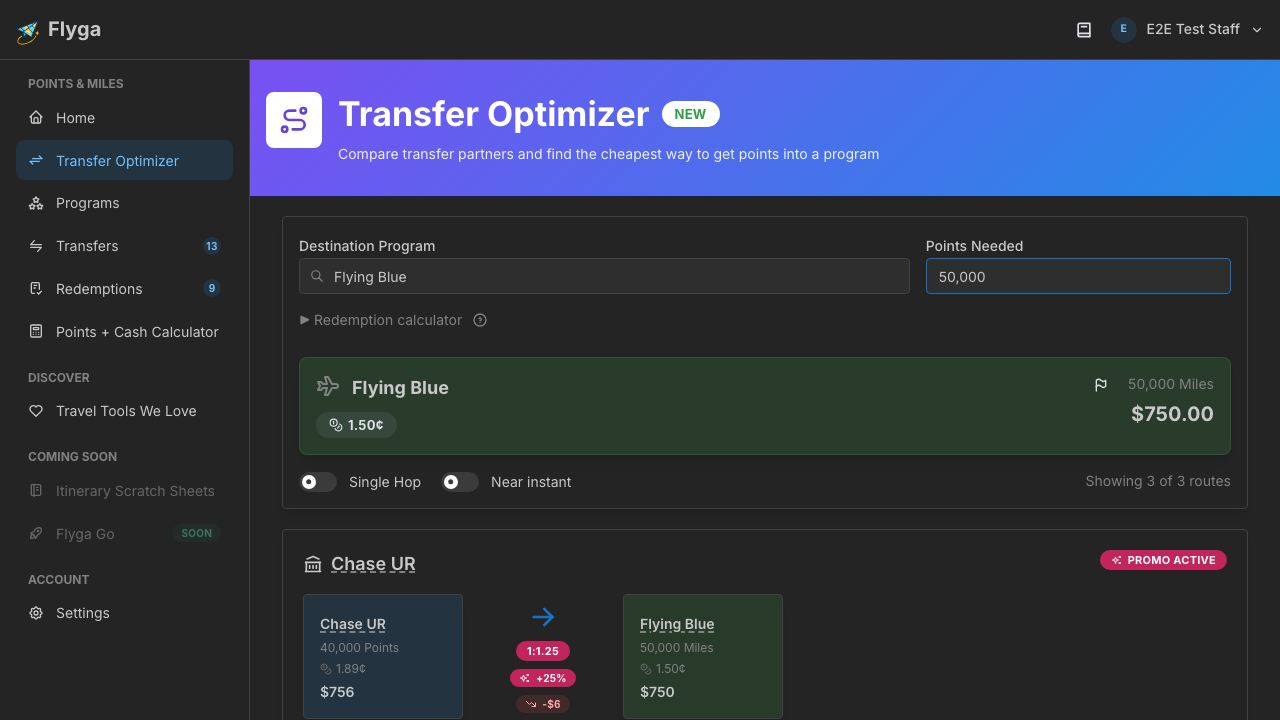
Compare the value change column. Some source programs may be valued higher per point than Flying Blue miles at baseline, so you’ll see a negative value change on the transfer. But remember, baseline CPP isn’t the whole story.
Step 2: Use the Redemption Calculator
Section titled “Step 2: Use the Redemption Calculator”Before deciding, expand the Redemption Calculator and enter:
- Cash ticket price: $2,800
- Award taxes & fees: $85
The transfer options update with your redemption CPP: ($2,800 − $85) ÷ 50,000 = 5.43 cents per point. Compare that to Flying Blue’s baseline CPP of around 1.2¢ — you’re getting roughly 4.5× the average value. That’s an excellent redemption.
Even if you “lost” value in the transfer (your source program’s baseline may be higher than Flying Blue’s), the redemption more than makes up for it.
Step 3: Make the Transfer
Section titled “Step 3: Make the Transfer”Click Make Transfer on your preferred transfer option. Flyga takes you to the Transfers page with the form pre-filled — source program, destination program, and point amounts are all populated based on the transfer option you selected.
Review the details, add a note like “For LAX-CDG business class, Apr 15”, and submit.
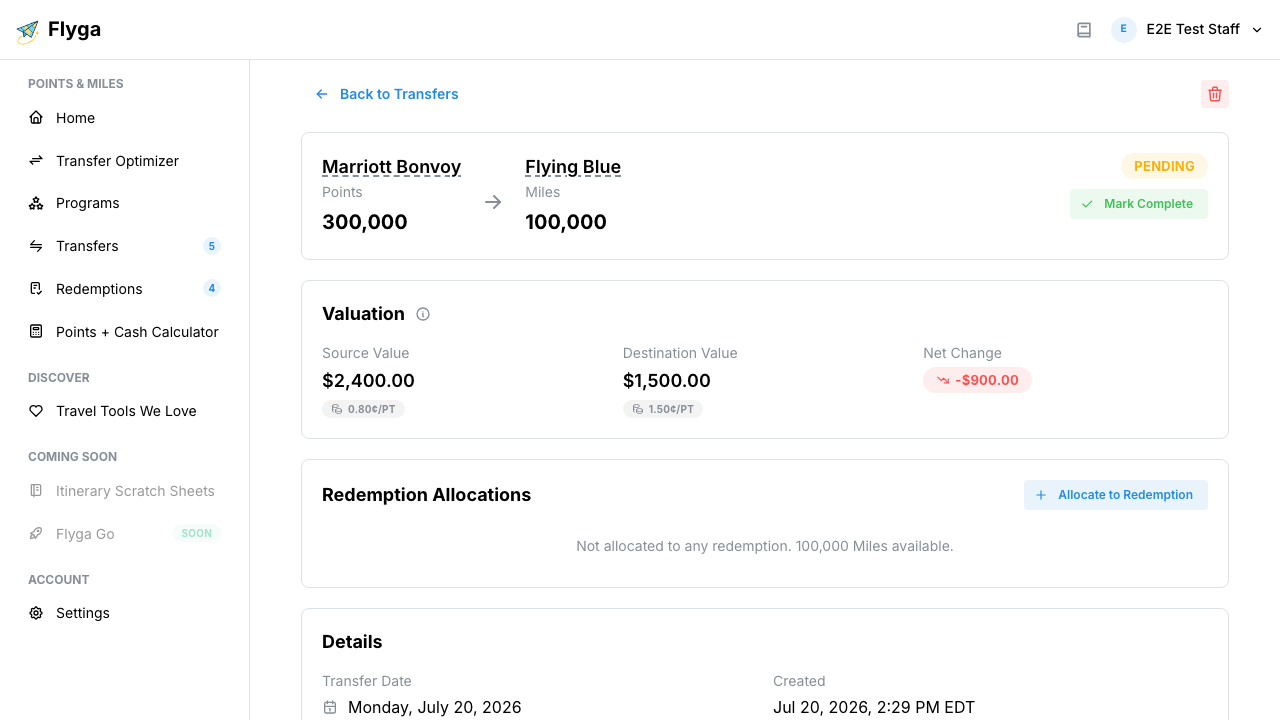
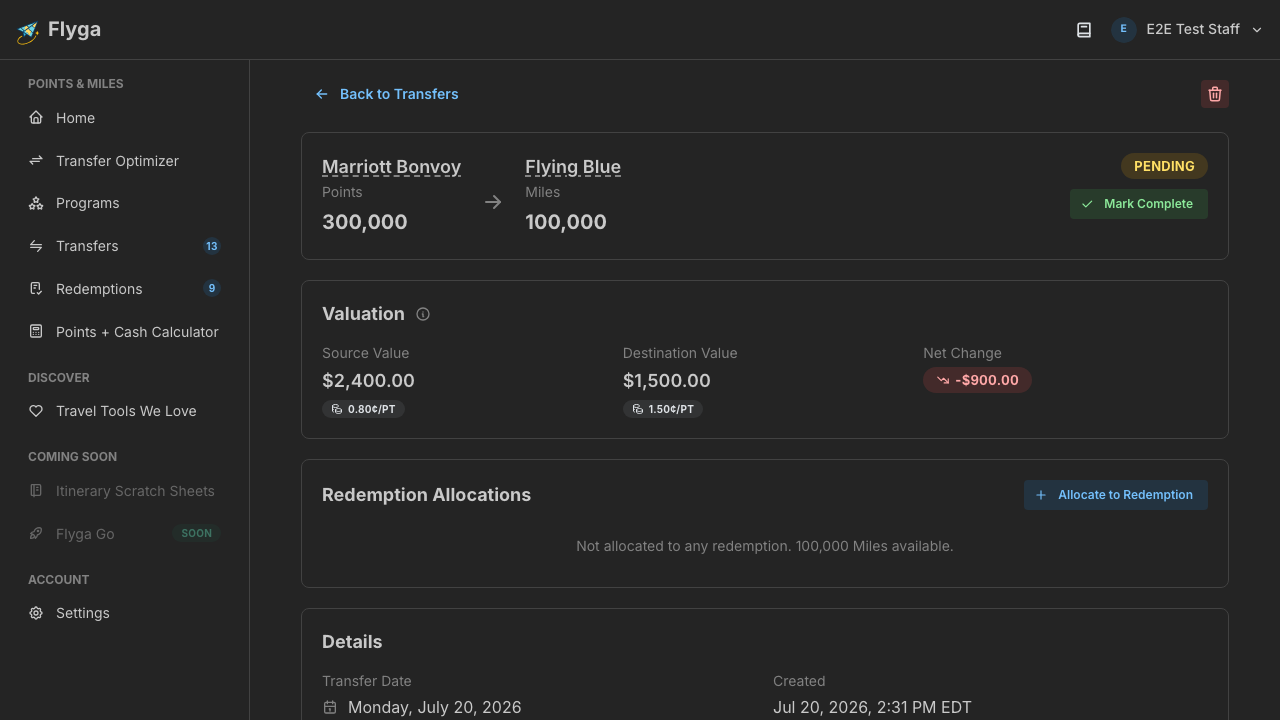
Your transfer now appears on the Dashboard with a “Pending” status while you wait for the miles to arrive.
Step 4: Book and Log the Redemption
Section titled “Step 4: Book and Log the Redemption”Once the miles land in your Flying Blue account, book the award flight. Then head to Redemptions and log the booking:
- Select Flying Blue as the destination program
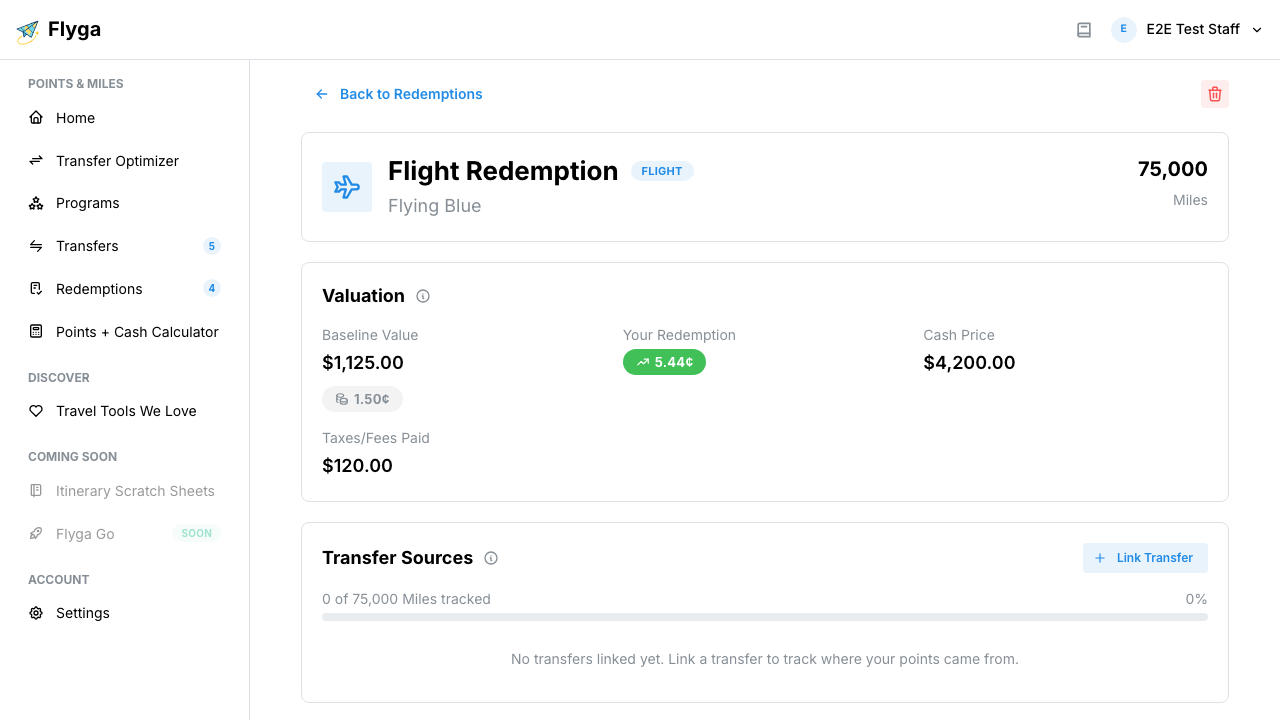
- Enter 50,000 points redeemed
- In the fare info step, enter $2,800 as the cash price and $85 for taxes
- Optionally add flight details (LAX → CDG, business class, AF65)
- Submit
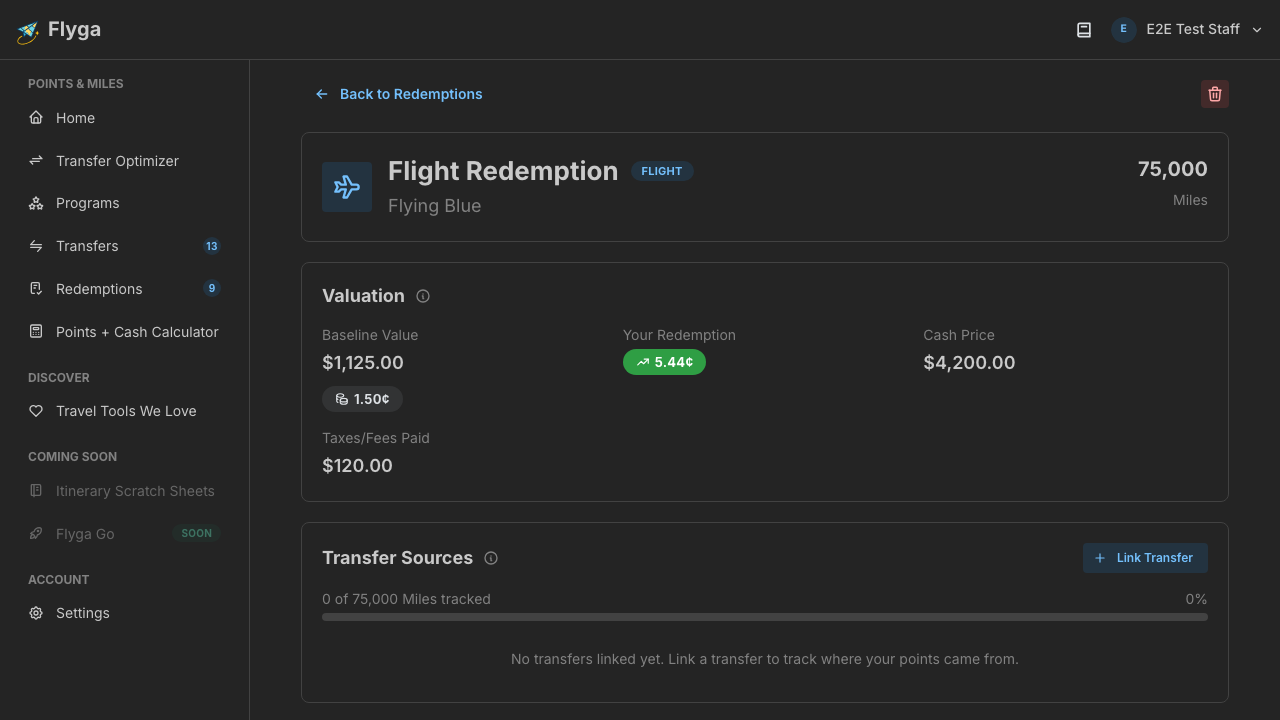
Flyga calculates your Effective Redemption Value (ERV): the actual cents-per-point based on your real fare data.
Step 5: Compare Predicted vs. Actual
Section titled “Step 5: Compare Predicted vs. Actual”Now you can close the loop:
| Metric | Predicted (Optimizer) | Actual (Redemption) |
|---|---|---|
| CPP | 5.43¢ | ERV from Flyga |
| Cash alternative | $2,800 | $2,800 |
| Points used | 50,000 | 50,000 |
| Taxes paid | $85 | $85 |
If the numbers match, your pre-transfer analysis was spot-on. Over time, comparing predictions to actuals across many redemptions helps you:
- Calibrate your instincts — Are you consistently overvaluing or undervaluing certain programs?
- Spot trends — Maybe one program always delivers better than expected
- Make faster decisions — Confidence in your analysis means less second-guessing
The Takeaway
Section titled “The Takeaway”The full Flyga workflow is a cycle:
- Optimize — Find the best transfer option and predict the value
- Transfer — Move your points and track the cost
- Redeem — Book the award and log the actual value
- Compare — Learn from the difference between prediction and reality
Each time through the cycle, you get better at making points decisions. That’s the whole point.
Related guides:
- Using the Transfer Optimizer — UI walkthrough
- Quick Transfers from the Optimizer — Make Transfer flow
- Logging Your First Redemption — Redemption wizard
- Understanding Redemption Value — ERV explained
- Ask Flyga from chat — run the optimizer and log the transfer without opening the website