Wallet overview
Wallet pulls your loyalty balances and credit cards into one screen so you can see what you’re holding — and what Flyga thinks it’s worth — without bouncing between issuer apps.
Open Wallet
Section titled “Open Wallet”Choose Wallet in the sidebar.
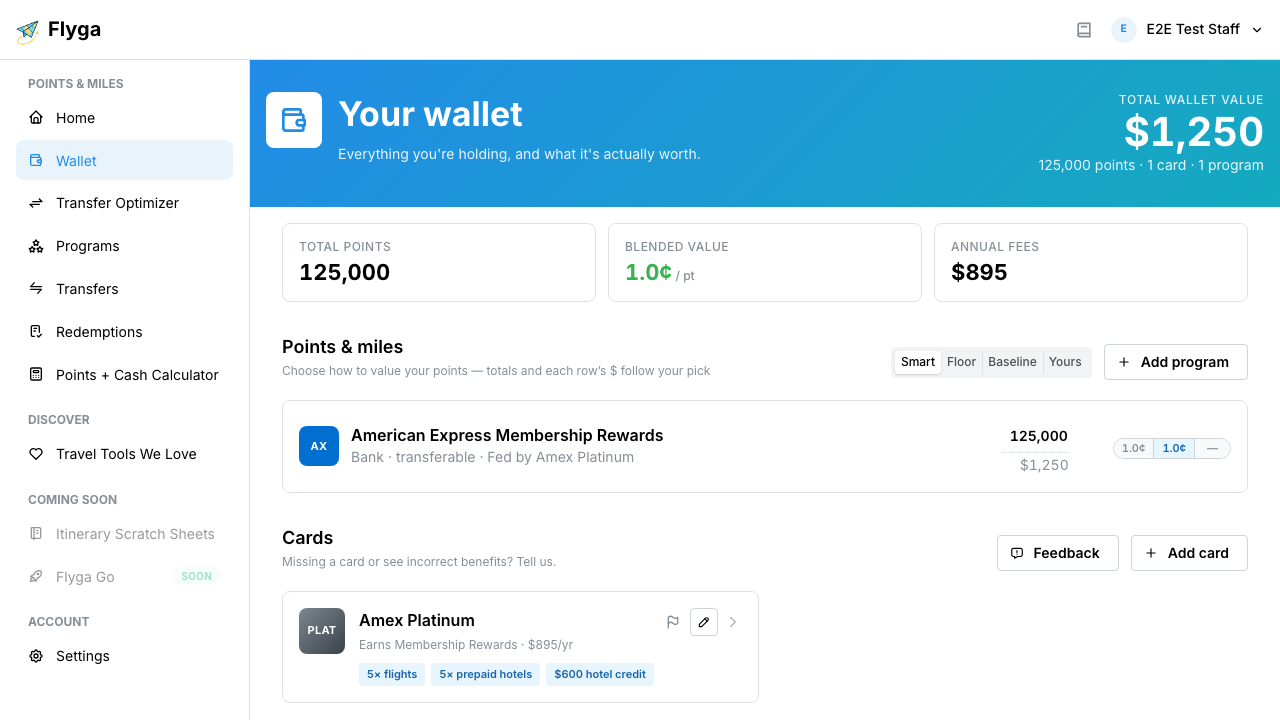
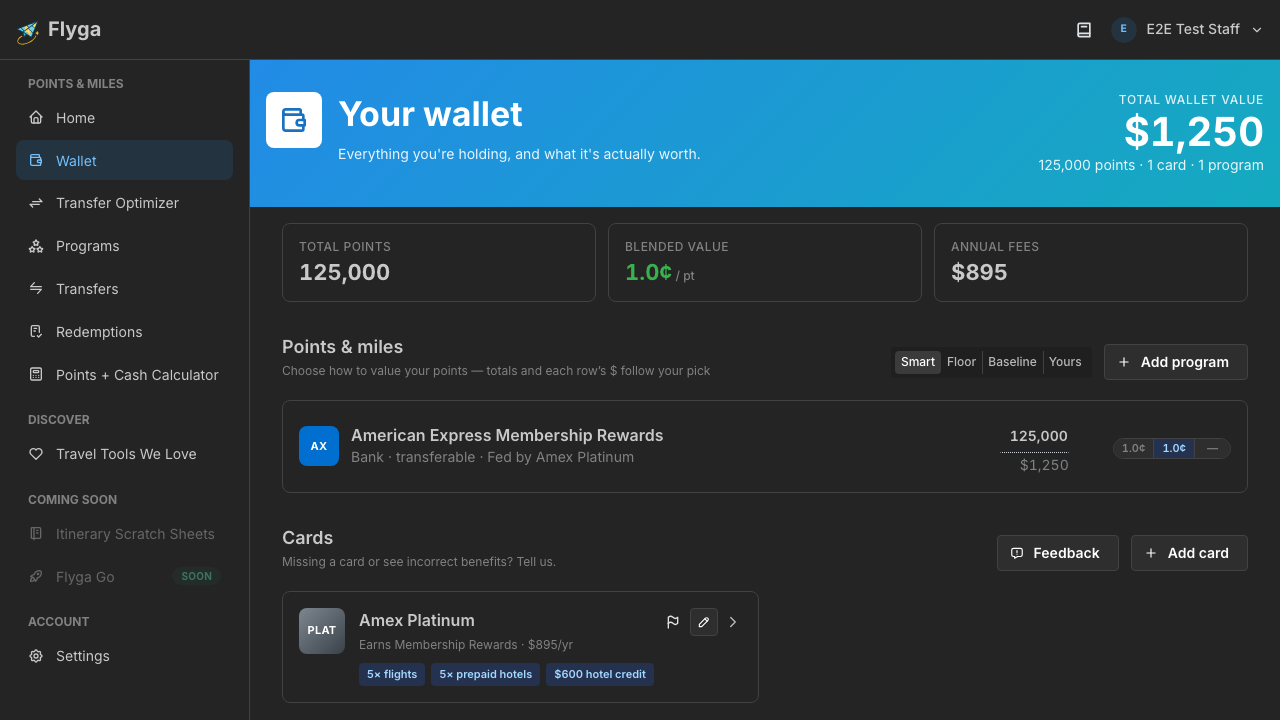
What you’ll see
Section titled “What you’ll see”- Total wallet value — a dollar estimate of everything you’re tracking, based on the valuation mode you pick
- Quick stats — total points, blended cents-per-point, and annual fees across your cards
- Points & miles — each program you track, with an editable balance, a dollar value, and a small rate summary
- Cards — the products you hold, with earning rates and benefits you can expand
How Flyga prices your balances
Section titled “How Flyga prices your balances”Above your programs you’ll see Smart, Floor, Baseline, and Yours. That choice changes the dollar totals and the $ under each program — so you can stress-test optimistic vs. conservative views of the same balances.
| Mode | What it does for you |
|---|---|
| Smart | Flyga’s recommended view: uses your real redemption results when you have them, otherwise a published baseline, and won’t go below a protective floor when one applies |
| Floor | Always uses the protective floor rate — useful when you want a cautious “don’t count on more than this” total |
| Baseline | Uses Flyga’s published cents-per-point for the program |
| Yours | Uses the value you’ve actually achieved in redemptions you’ve logged (falls back to baseline if you don’t have enough history yet) |
Each program also shows a compact rate summary (floor · baseline · your rate). The highlighted segment matches the mode you selected, so you can see at a glance which number is driving that row’s $.